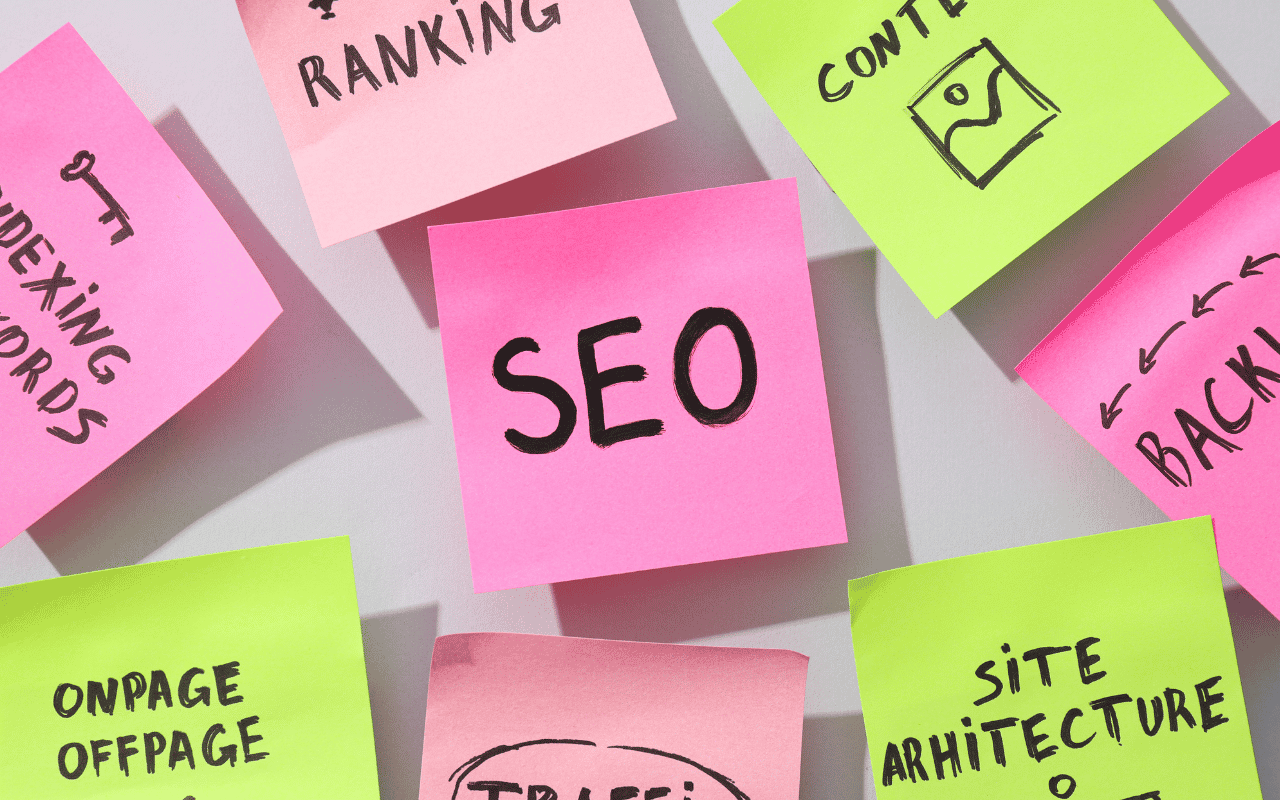
SEO continues to change, but the fundamentals remain surprisingly consistent: create useful content, make your website easy to understand, provide a good user experience and ensure search engines can crawl and index your pages.
Google’s own Search documentation continues to emphasize technical accessibility, helpful content and compliance with Search Essentials.
Here is a practical SEO checklist for 2026.
Start With Search Intent
Before creating a page, understand what the person searching actually wants.
Someone searching for “WordPress maintenance” probably has a different goal from someone searching “how to update WordPress plugins.”
Your content should answer the specific problem behind the keyword instead of repeating the keyword throughout the page.
Use One Clear Main Topic Per Page
Each important page should have a clear purpose.
For example, instead of placing WordPress development, SEO, WooCommerce and company registration on one service page, give important services their own dedicated pages.
This helps visitors and search engines understand your website structure.
Optimize Page Titles and Headings
Every important page should have a descriptive SEO title.
Your H1 should clearly explain what the page is about, while H2 and H3 headings should organize supporting topics naturally.
Avoid stuffing the same keyword into every heading.
Improve Internal Linking
Internal links help users discover related information and help search engines understand the relationship between your pages.
For example, a WordPress development article can naturally link to:
/wordpress-development/
/wordpress-seo/
/wordpress-speed-security-maintenance/
Create Content People Actually Need
Useful content remains one of the strongest long-term SEO investments.
Good topics often come from questions customers repeatedly ask:
How much does it cost?
How does it work?
Which option is better?
What documents are required?
How long does the process take?
These questions can become service-page FAQs and detailed blog posts.
Improve Website Speed and Mobile Usability
A website should work well across desktop, tablet and mobile.
Compress large images, avoid unnecessary scripts, use appropriate caching and review how the website behaves on smaller screens.
Speed optimization should improve the user experience rather than chase a perfect score at the expense of functionality.
Use Google Search Console
Google Search Console helps website owners understand how Google discovers and displays their website.
You can use it to monitor indexing, search performance and technical issues. Google specifically recommends Search Console as a resource for understanding site performance in Search. Google for Developers
Keep Important Content Updated
A page that was accurate three years ago may contain outdated prices, laws, product information or screenshots.
Review important pages regularly and update information when something changes.
Do Not Expect Overnight Results
SEO is an ongoing process.
Technical improvements, better content and stronger internal linking can improve your site’s foundation, but no legitimate SEO provider can guarantee a specific Google ranking.
The best strategy is to consistently improve your website for both users and search engines.