Follow us on
Worldwide Digital Support | USA, UK & Pakistan Business Services
WORDPRESS MIGRATION

Move Your WordPress Website With Confidence

Changing hosting providers, domains or servers should not mean losing content, breaking your website or creating unnecessary downtime. DIGITECHNIFY handles WordPress migrations carefully, including backups, DNS configuration, HTTPS setup and post-migration testing.

Backups • DNS • HTTPS • Testing • Migration Support
MOVE WITHOUT THE HEADACHE

Website Migration From Start to Finish

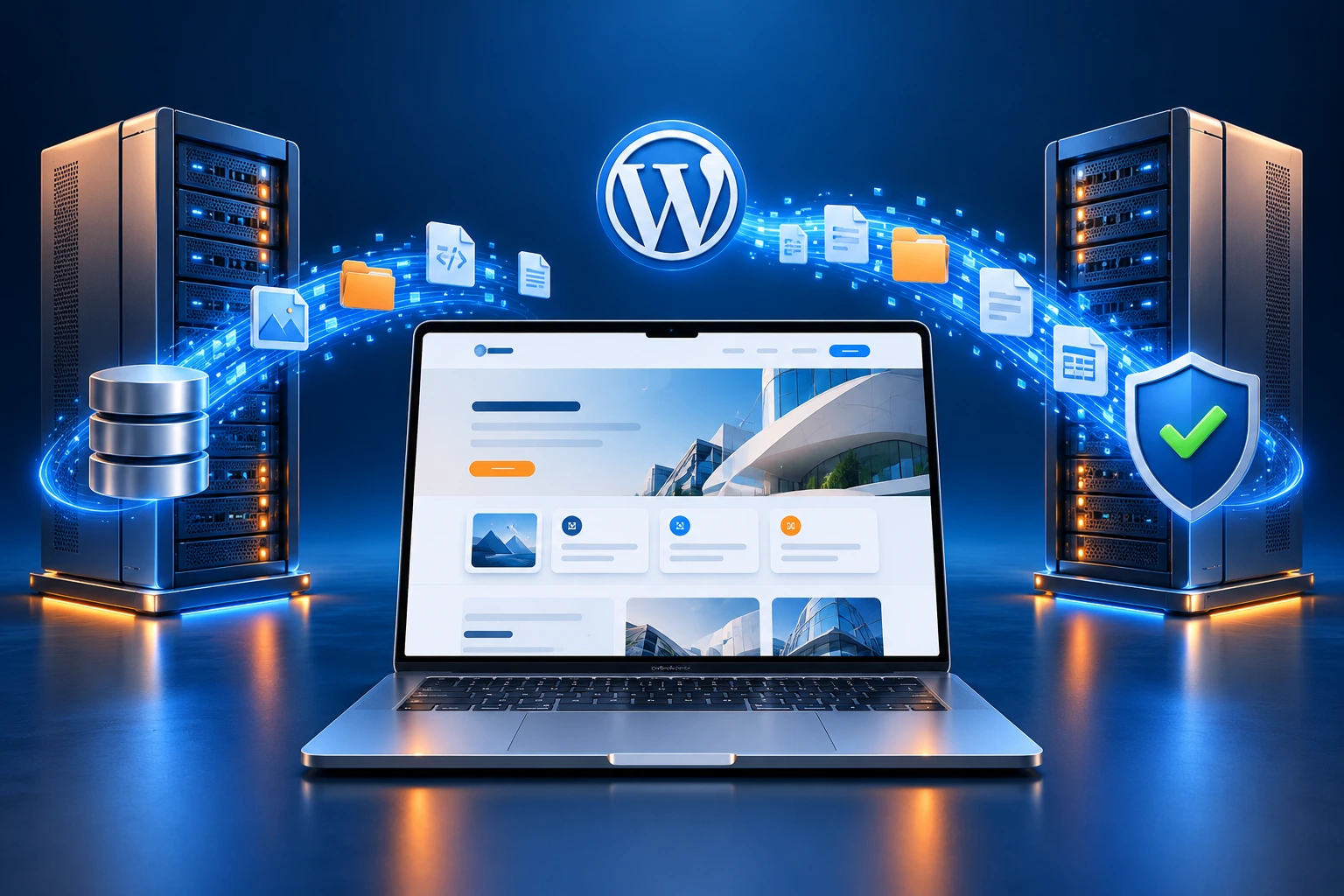
Moving your WordPress website to a new host, domain or server needs careful planning. DIGITECHNIFY handles the process from backup to final testing, transferring your files, database, images, themes and plugins. We also review DNS settings, configure HTTPS and update URLs where needed. After the move, we check key pages and functionality to make sure your website works correctly in its new environment.


WORDPRESS MIGRATION

A Fresh Start for Your Website, Wherever It Moves

Hosting & Domain Migration

Move your existing WordPress website to a new hosting provider, domain or server. We transfer your files and database, update the required settings and test key functionality, with careful planning to protect your content and minimize disruption.

Best For:

Businesses changing hosting providers, moving to a new domain, upgrading servers or transferring an existing WordPress website.

DNS, HTTPS & Email Considerations

Moving your website is only part of the process. We configure the settings that connect your domain to its new hosting, check HTTPS and update website URLs where needed. If your email uses the same domain, we review relevant DNS records before making changes.

Can Include:

DNS updates, SSL configuration, HTTPS checks, website URL updates, redirect setup and email DNS review.

Image link
Website Testing & Recovery Planning

After migration, we check key pages, images, forms, navigation, login areas and plugins to confirm your website works correctly in its new environment. For WooCommerce stores, we also review important shopping functions. Where appropriate, backups and the original website are retained during the move so there is a recovery option if an unexpected issue appears.

Image link
PROTECT WHAT MATTERS

Your Website Data, Carefully Transferred

Your website contains more than pages. We transfer the files and database that support your content, design and functionality, with backups created before important changes are made.

PLAN THE MOVE PROPERLY

Migration Support for Different WordPress Setups

Every website has different migration requirements. We review your current setup and destination, then plan the transfer around your website’s content, functionality and ongoing activity.

Hosting Migration
Move your WordPress website to a new hosting provider. We transfer files and the database, configure the destination and check the website before completing the move.
Related Service:
Domain Migration
Move to a new domain with the required URL updates, DNS configuration and redirects, helping visitors reach the correct pages after the change.
Related Service:
WooCommerce Migration
Active stores need careful timing. We plan the transfer around orders, products and customer data, then test key shopping functions in the new environment.
CHECKED ACROSS EVERY SCREEN

Your Website Should Still Work Wherever Customers Visit

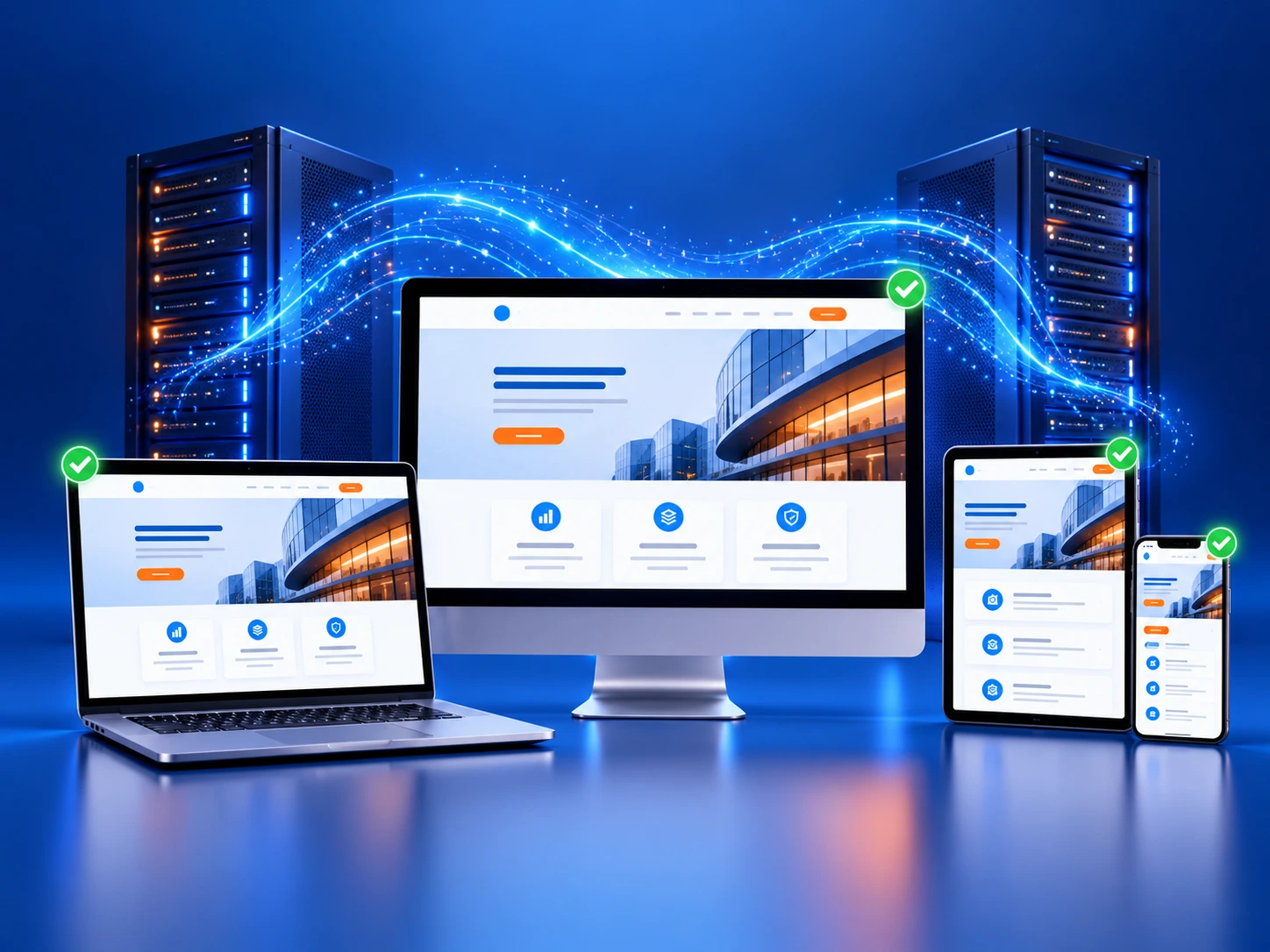
A hosting or domain change should preserve your website’s everyday usability. After migration, we review key pages across desktop, tablet and mobile to check that layouts, content and important interactions continue working correctly.

Our post-migration checks include:

The goal is simple: your website should look familiar and work correctly in its new environment.

BACK UP BEFORE THE MOVE

A Recovery Plan Before Migration Begins

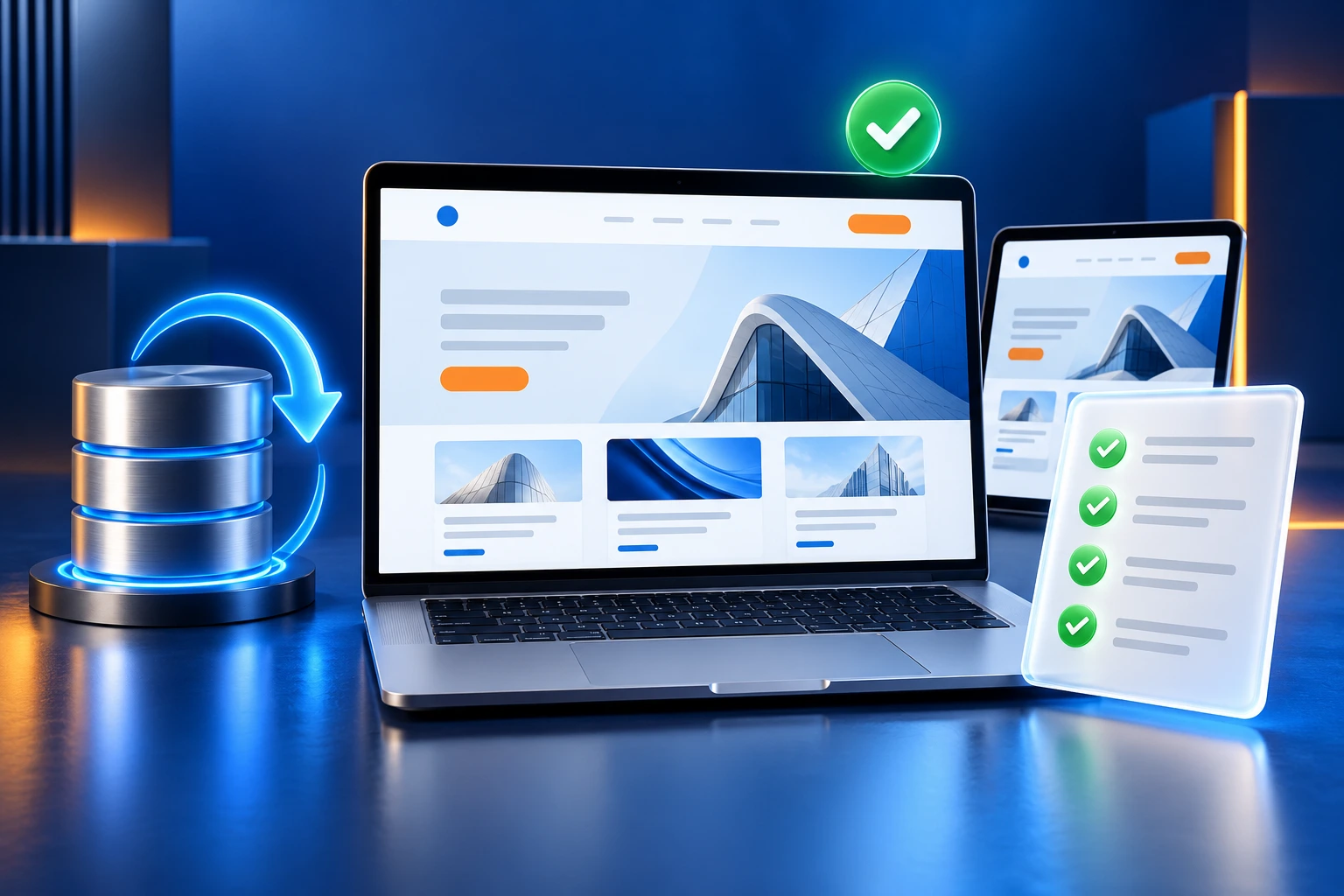
We create a backup before making important migration changes. Where appropriate, the original website is retained during the move so there is a recovery option if an unexpected issue appears.

Image link
CONNECT & CONFIGURE

The Right Settings for Your New Hosting

We review the technical settings your website needs after the move, from domain connections to secure HTTPS loading. Email-related DNS records are considered before changes are made.

Image link
CHECK BEFORE YOU FINISH

Migration Is Not Complete Until Your Website Is Tested

After the move, we review important pages, settings and functionality to check that your website works correctly in its new environment.
HOW WE WORK

A Simple 3-Step WordPress Migration Process

1
Prepare
We review your website, hosting, domain and DNS requirements. Then we create a backup and plan the transfer around your website’s needs.
2
Migrate
We transfer your WordPress files and database, configure the new environment and update the required DNS, HTTPS and URL settings.
3
Test & Complete
We check key pages and functionality, review redirects and secure loading, resolve identified migration issues and complete the handover.
MIGRATION QUESTIONS

Common Questions About WordPress Migration

Yes. We can migrate your WordPress website between supported hosting environments, including its files, database, themes, plugins and uploads.

Yes. Domain migrations can include website URL updates, DNS configuration and redirects from the old addresses.

Yes. We create a backup before making important migration changes so there is a recovery point if needed.

We aim to minimize disruption. Any downtime depends on your website, hosting environment and the DNS changes involved.

Yes, if your email depends on the same hosting or DNS settings. We review relevant records before making changes.

Yes. Active stores need additional planning to account for new orders and customer data during the transfer.

READY TO MOVE?

Let's Move Your WordPress Website With Confidence

Tell us where your website is hosted now and where you want to move it. DIGITECHNIFY will help plan the migration, transfer your website and test the important details before completion.